TestAndroid 9+
Android test build
- Version
- Released
- Size
Checking for the latest build…
Download APKSHA-256 checksum
Self-test · Oct–Dec 2026
One app for the day: routine, health, workouts, meals, screen time and money. It works offline and keeps an iPhone and an Android phone in sync.
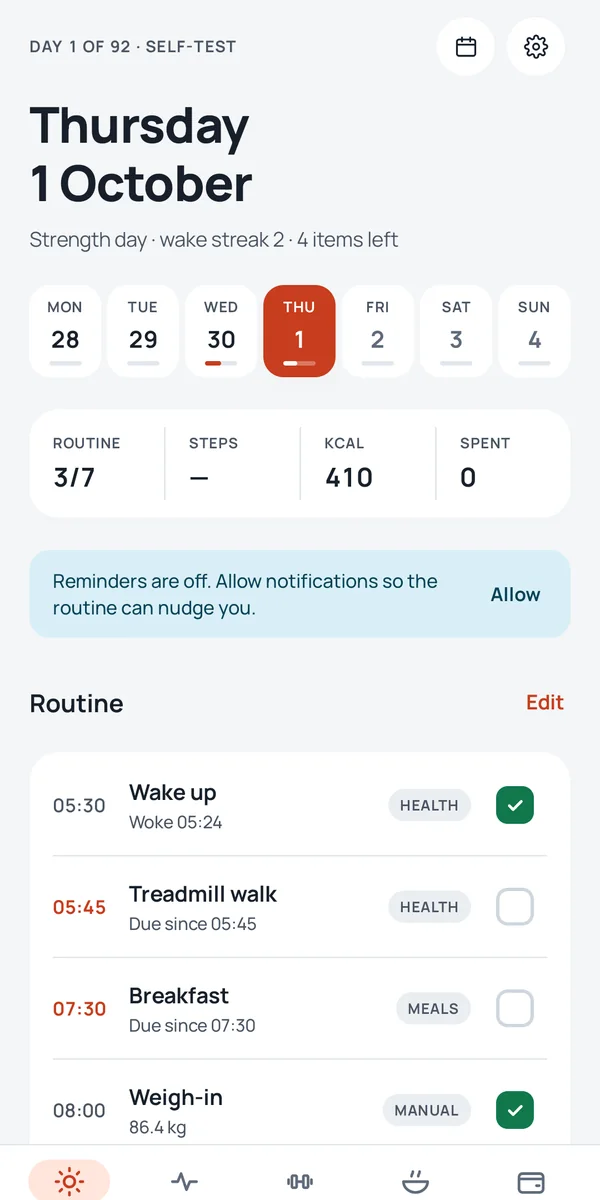
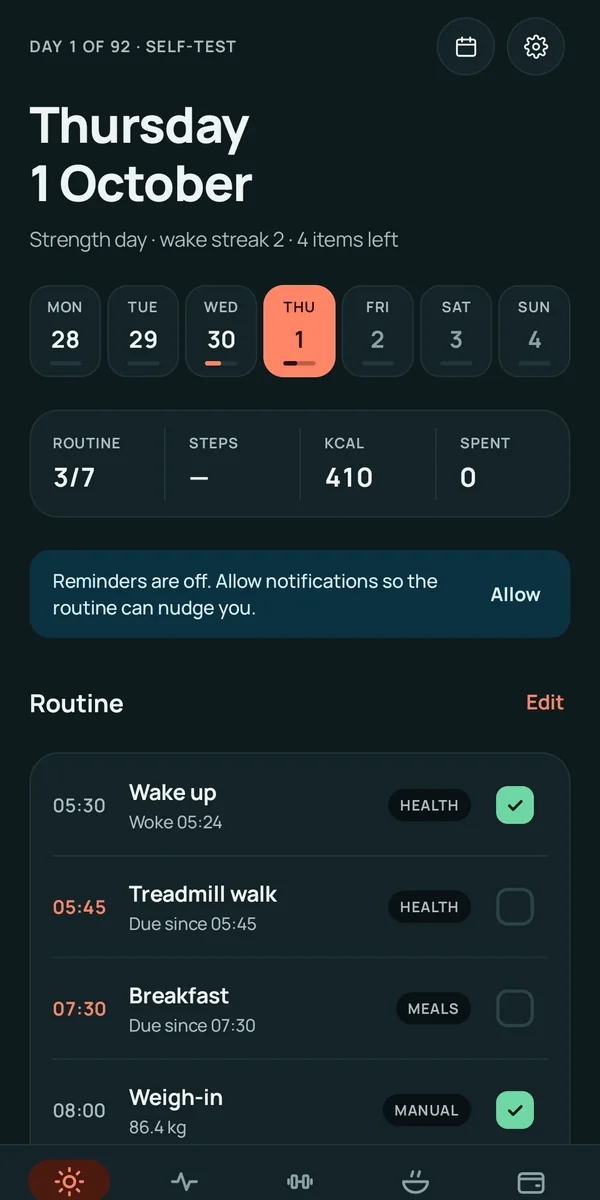
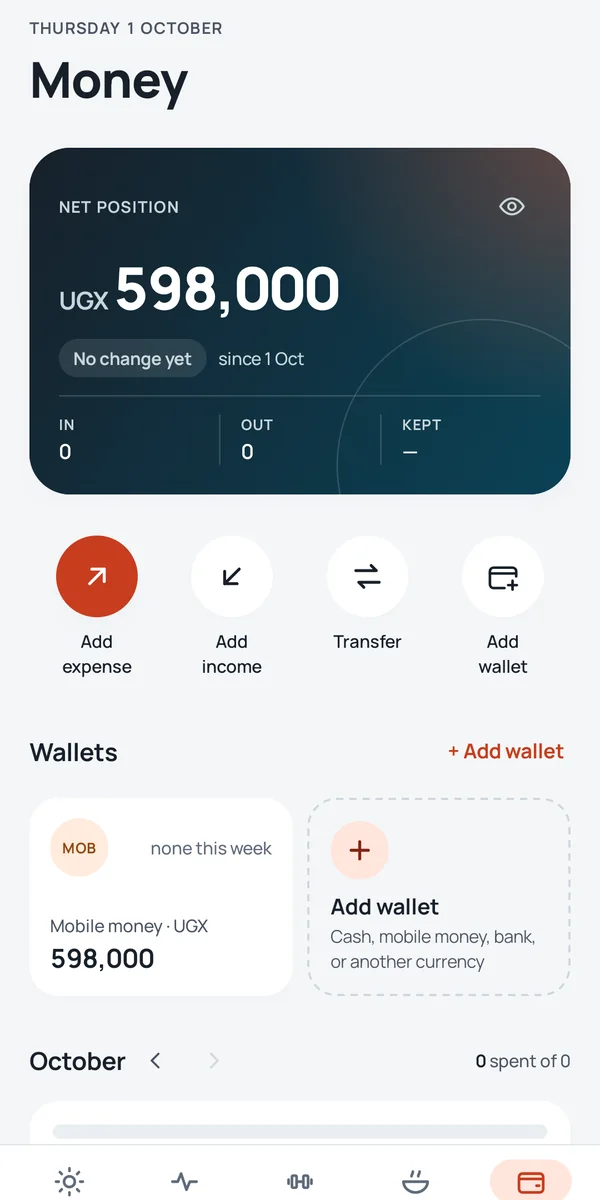
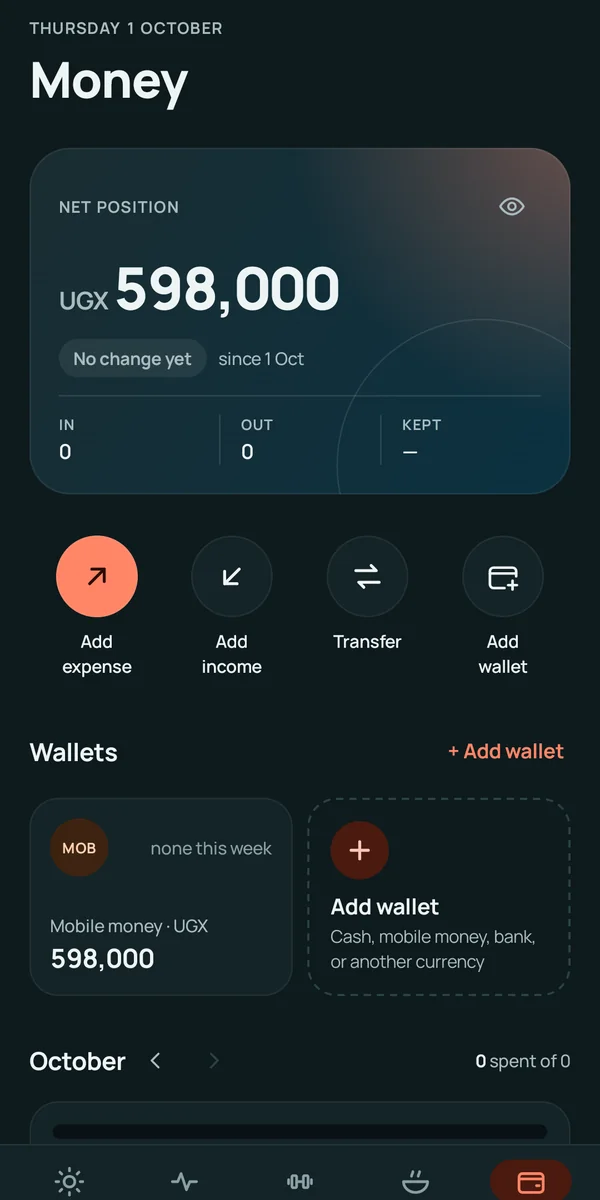
Your routine as a checklist that ticks itself off from sleep, steps and meals.
Weight against a goal, steps against a target, and sleep against your bedtime.
A guided bodyweight circuit with a countdown ring, voice cues and your best times.
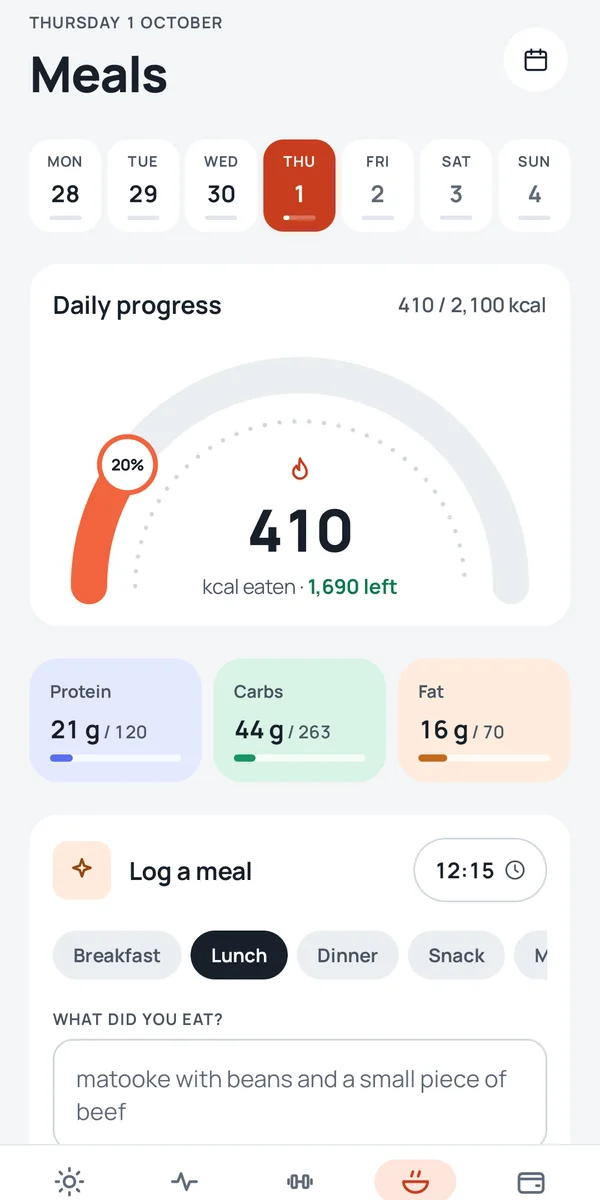
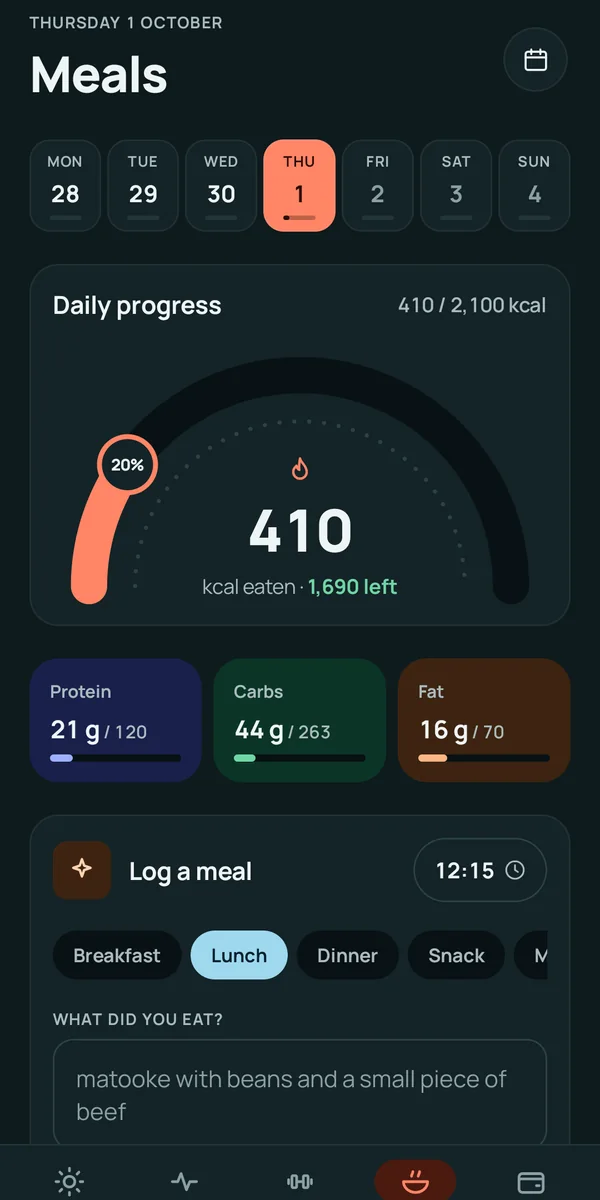
Type what you ate. Get calories and macros back, editable item by item.
Daily limits on distracting apps, with a lock at bedtime.
Wallets, spending by category, and bonds and unit trusts: projected next to actual.
Download
The test build is the one I use every day. It updates itself: when a new build is published here, the app offers it on its next start.
Checking for the latest build…
Download APKThe production build goes to Google Play once the self-test is done.
Not yet availableThe iPhone app is in progress. TestFlight first, then the App Store.
Not yet availableTest builds connect to the test server, and their data can be reset while the app is in testing.